How to Make Tropical Blizzard less retina-burn blue
Works in multiplayer Invasion!
-
Right-click Running with Rifles in your Steam Library list and select Manage > Browse local files. This will open the directory where Steam installed the game on your machine.
-
Navigate from this folder down into the
media/packages/vanilla.winter/maps/map8_2directory. -
Insert the (attached) recoloured
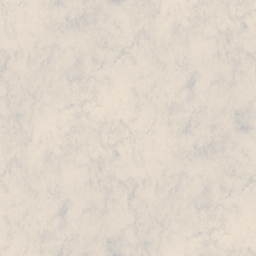
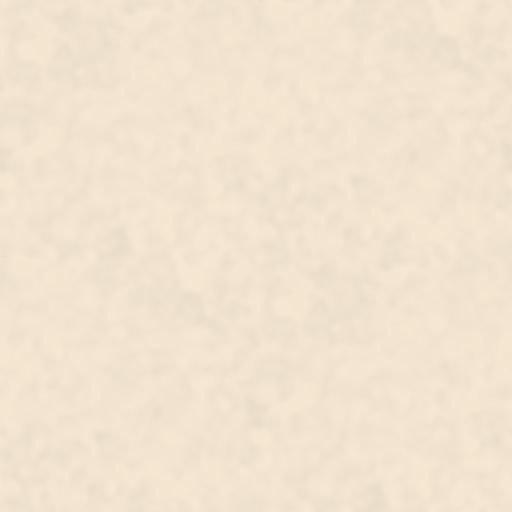
ice.png,snow.png, andsplat_effect_snow.pngtextures into this map folder. -
Celebrate the newfound longevity of your vision and upvote this guide!
The attached PNGs are included as examples that you can use "out-of-the-box" - the colour temperature of the original PNGs was red-shifted using GIMP.
ice
snow
splat effect snow

Example of the example textures in use
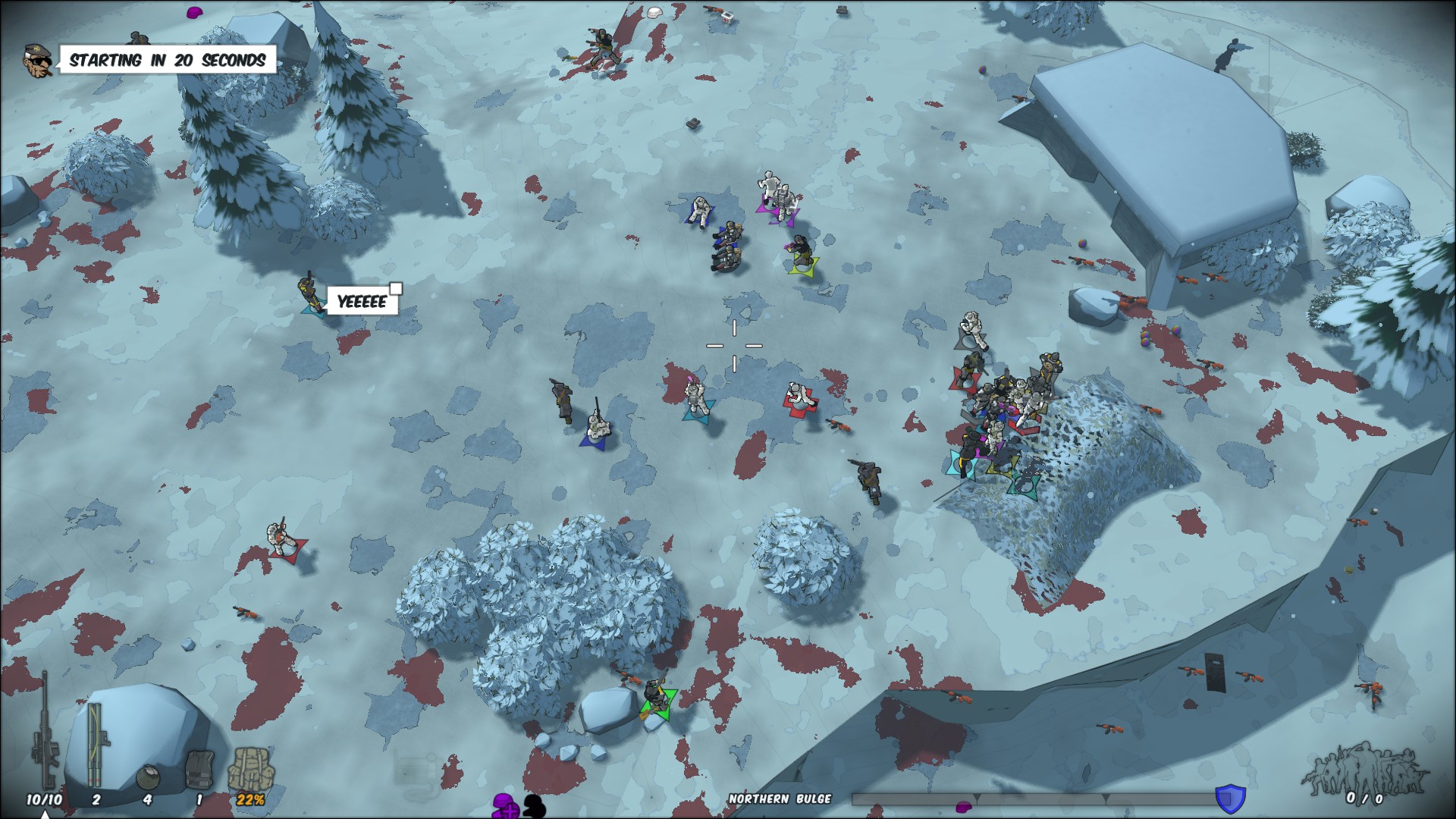
You can find the original PNGs in vanilla.winter\textures and make your own adjustments if you'd like to.
Note that, if you modify the textures in the vanilla.winter\textures folder, they will be used in all of the winter maps (Fridge Valley, Tropical Blizzard, and Frozen Canyon) - this may be preferable to you, this guide is in-part intended to show that files within a map folder take precedence over (and can thus overwrite) files within a wider package.